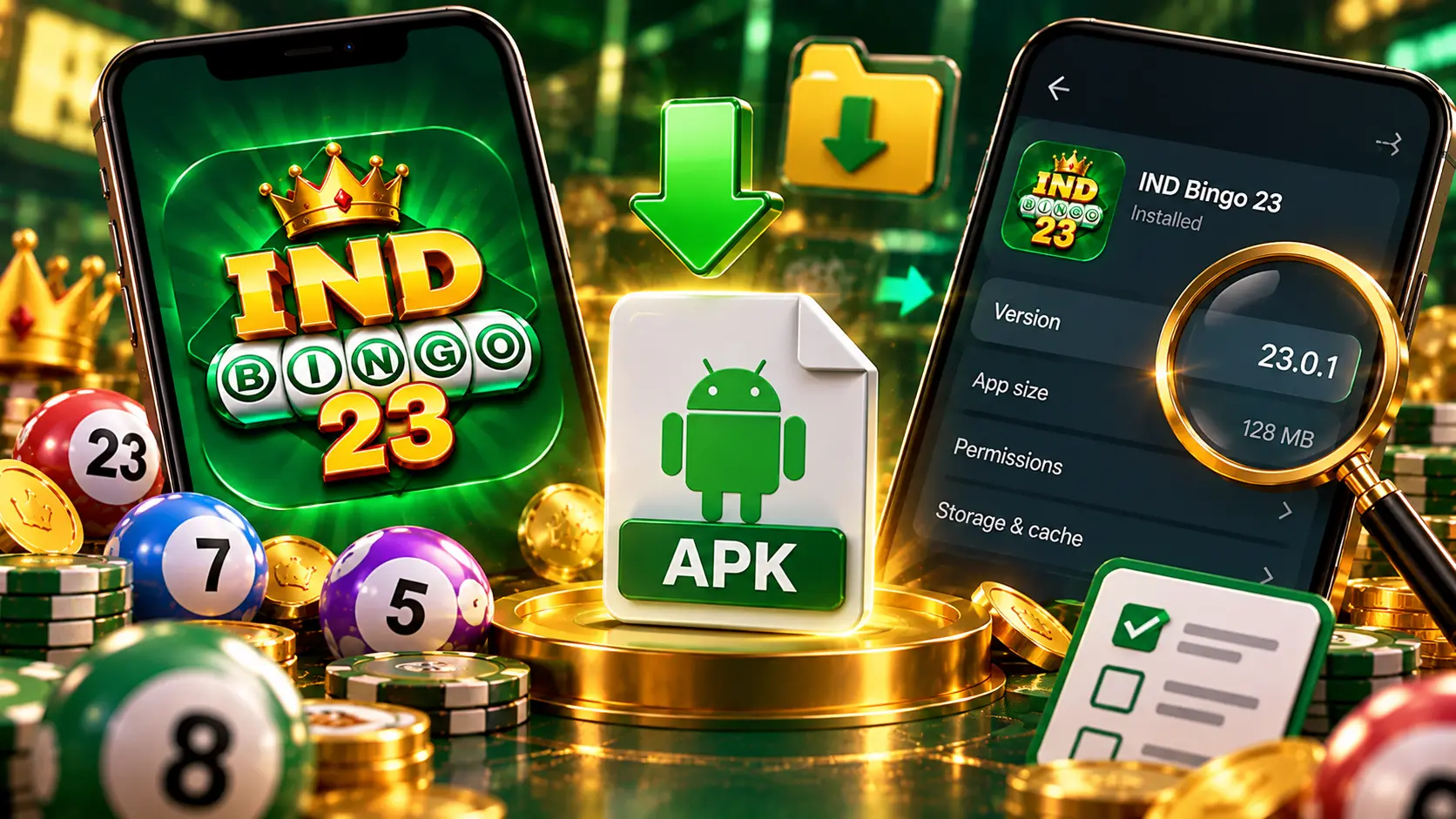
No listing or official page we opened shows a distinct app named Ind Bingo 23 APK, so treat the label as a search phrase for the Ind Bingo installer rather than a confirmed release. Nothing proves that reading either, which is why the practical answer is a checklist. If an APK file is already sitting on your phone, four checks will tell you what you actually have.
What does Ind Bingo 23 APK refer to?
The official Ind Bingo site describes a lobby of 60 plus games and never prints the number 23 anywhere on the page. Independent directories that document the app in detail also list a single product under the plain name, with no 23 edition in sight. In this niche, trailing numbers usually work as titles for games or separate apps rather than as release steps, which is how a phrase with no product behind it can still attract searches.
The likeliest meaning is that searchers simply want the Ind Bingo app file, and the 23 got attached somewhere along the chain. Nothing official confirms that link. Where a trailing number does stand for a genuinely separate product with its own listings, Ind Bingo 101 covers that case in detail.
Why number labels spread across this niche
Numbers are easy to multiply. One page we opened stacks a long list of labels under the same brand, including IND BINGO 777 and IND BINGO mod apk, and similar lists appear across the small directories that compete for these searches. Some pages even blend two brand names into a single title, a pattern explained in Ind Bingo Yono, and search results then fill with fake store pages whose addresses copy the wording of real app markets.
The lesson for a reader is that a number in a download title carries no information by itself. Only the details Android shows for the installed app can tell you which file you ended up with.
The four point checklist before you install
Check the source
Start with who is showing you the file. A page that states the developer, the package name and the version number can be checked against your phone afterwards. A page that leads with a bonus figure, hides the download destination behind a vague button or repeats the same paragraph as five other domains gives you nothing to verify, so walk away before tapping anything.
Check the file name
Open your file manager and read the name of the file you downloaded. It should relate to the app you intended to get, end with .apk, and show no second extension. Compare the size your file manager reports with the size the download page claims. Android will also show the app name it reads from the package during installation, which rarely matches a page that renamed the file for marketing.
Check the version
After installing, open Settings, then Apps, then the app info screen, and read the version number Android reports for it. Listings that document this app give version numbers like 9.50 and 7.815, so anything wildly outside that shape deserves suspicion. The same screen shows the package name, which is the strongest identity signal your phone can offer.
Check the permissions
Android displays the permissions an installer requests before you confirm installation, and you can revisit them afterwards in Settings, then Apps, then Permissions. Ask yourself whether each request makes sense for a game lobby. A request you cannot explain is a reason to stop, uninstall and start again from a source you checked.
Old versions, mods and what they promise
Files offered as old versions or as a mod APK are the least verifiable category. No official archive for earlier releases appeared in anything we reviewed, and altered installers are rebuilt by people whose identities are unknown to you. Older builds may also carry problems that later releases are fixed.
If you genuinely need a previous build, confirm the package name first and keep the file only if the source can name the developer behind it. Otherwise, run the four checks above and accept that a file with no verifiable trail is a gamble you do not have to take.
Getting a file you can check afterwards
If you have not downloaded anything yet, collect the app details from our Ind bingo page first, then run every check against those details once the file arrives. Keep a screenshot of the app info screen so future updates have something to compare against, and remember that these are real money games for adults aged 18 and over, so set limits you can afford and never chase losses.